Citadel
Lock folders and files, encrypted.
Free
Download Citadel- Lock any folder or file
- Real encryption, not hiding
- One PIN for everything
- Reset a forgotten PIN by email
 Citadel
Lock any folder or file on your computer behind one PIN. What you lock is encrypted, not just hidden. Free.
Locked files are encrypted, so they stay unreadable even if someone copies them off the computer.
Pick as many as you like. They are encrypted on the spot, and open again with your PIN.
Put an app behind your PIN, so the people around you cannot open your mail or your browser when you step away.
Lock USB sticks and external drives too, with the same PIN.
Any folder or file on your computer. Pick as many as you like.
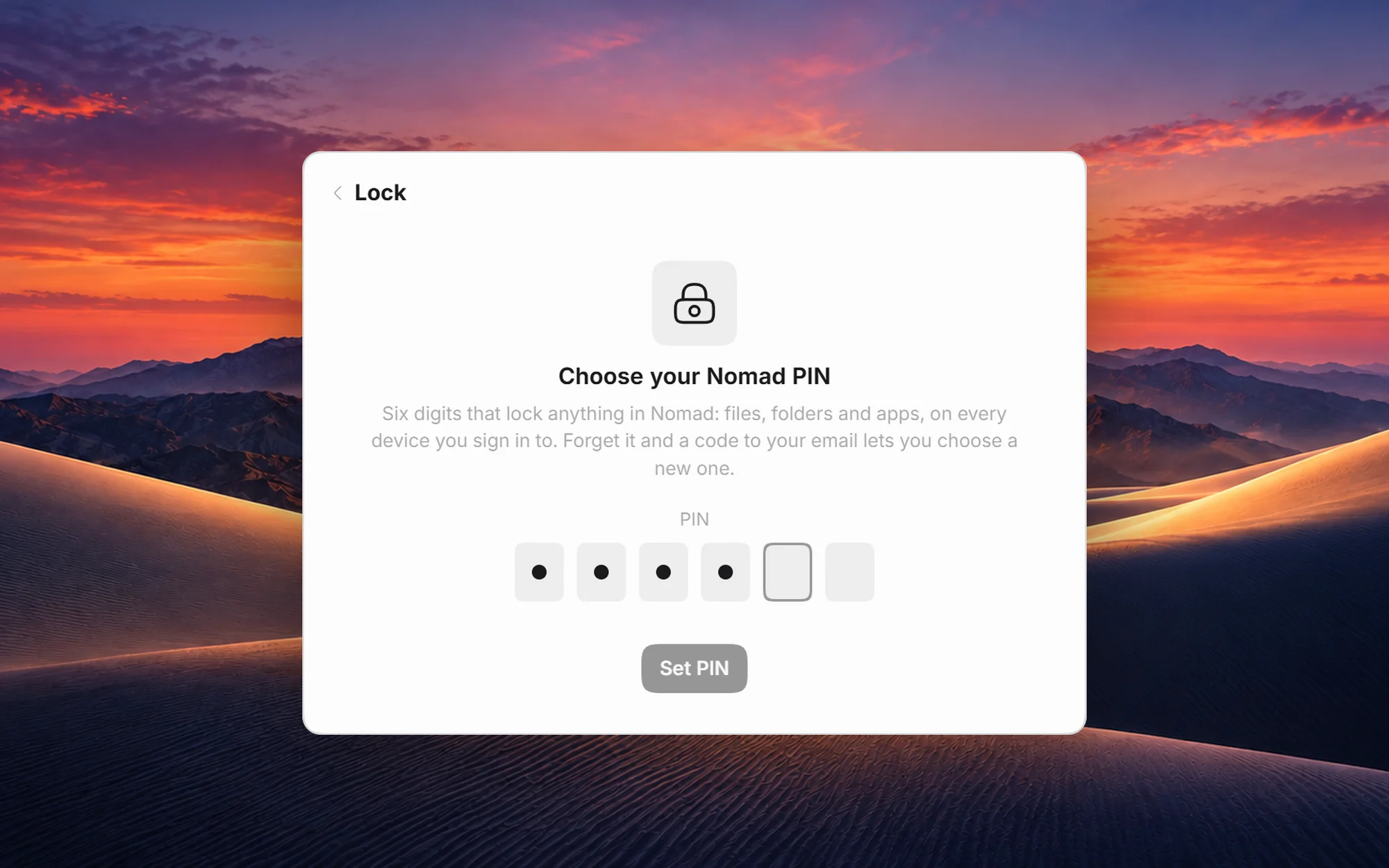
One six-digit PIN for everything you lock. Forget it, and a code to your email sets a new one.
Locked files are encrypted, so they stay unreadable even if someone copies them off the computer.
Included in MeridianOS
Every MeridianOS desk can lock folders and files with Citadel, and Meridian Pro and Ultra include Citadel Premium on the desk. The Citadel app on its own, for a computer outside MeridianOS, has its own subscription.
A code sent to your email sets a new one.
Nothing. A plan never decides whether you can open what you locked. Without Premium, app locking and the conveniences switch off; your locked folders and files stay locked, and open with your PIN as before.
No. Locking an app keeps the people around you from opening it when you step away. Folders and files are different: what you lock is encrypted, so it stays unreadable even if someone copies it off the computer.
Not on your desk: every MeridianOS desk can lock folders and files, and Meridian Pro and Ultra include Citadel Premium there. The Citadel app on its own is for a computer outside MeridianOS, with its own subscription.